
Record the product after checkout
Add the product name and warranty duration while the details are still to hand. It is easier than reconstructing the information months later. Check the dates and terms against the documents supplied for that purchase.
Keep the purchase context nearby
Return to a saved receipt when you need to recall the purchase date or items. For an actual warranty request, check the retailer’s or manufacturer’s instructions. Requirements depend on the product, seller and applicable terms.
Keep the documents you may need
A warranty record in CHEK is an organisational aid, not a replacement for an original receipt, serial number or warranty document. Retain the evidence requested by the seller. Recording a period in the app does not extend or change warranty coverage.
Continue the workflow after purchase
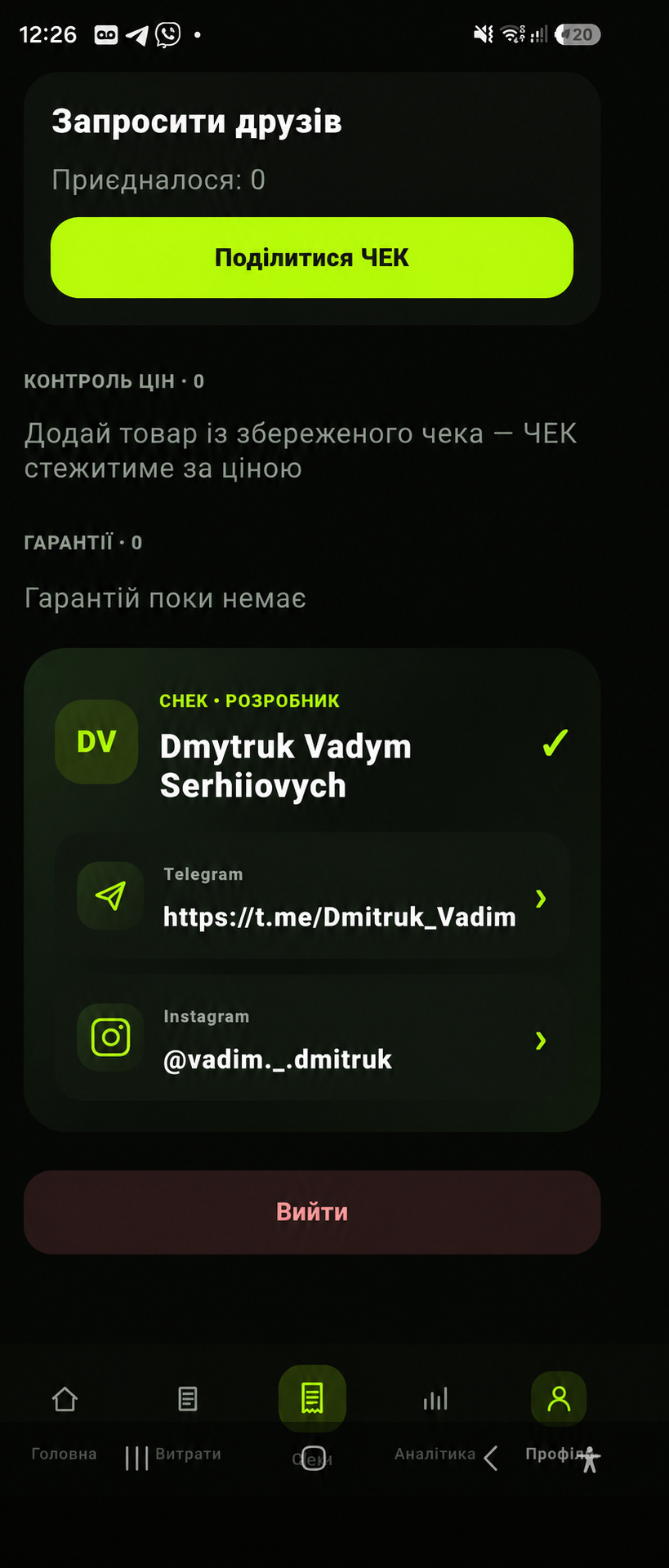
The profile brings warranty records and other purchase-related tools together. Return to saved information when needed, instead of treating expense tracking as something that ends at payment. Check the app’s current release for available options.
What to keep after buying an appliance
Keep the original receipt, model and serial number, seller details and warranty terms. An app record helps you find the purchase, but it does not replace documents a seller or manufacturer may require.
Before contacting the seller
Find the purchase date and proof of purchase, check the model and describe the problem. The process depends on the seller, manufacturer and country; a tracker date alone does not establish eligibility for a repair.
App and feature availability can vary by country, version and data source. Price search does not guarantee coverage of every retailer. Check device compatibility and installation availability on Google Play.
Warranty tracker for purchases on Android
After a purchase, save the product and warranty period so the information is easier to find later. Keep the warranty record alongside your purchase history and return to the original receipt when you need the purchase date or merchant details.
What a warranty tracker does not replace
A CHEK warranty entry is an organisational aid, not a replacement for documents, serial numbers or manufacturer and seller terms. Keep any paperwork required for a claim and check the current warranty conditions before contacting support.
Frequently asked question
Does a warranty record in CHEK replace the original documents?
No. Keep any receipt, serial number or paperwork required by the seller or manufacturer. CHEK helps organise the information but does not replace official warranty terms.