
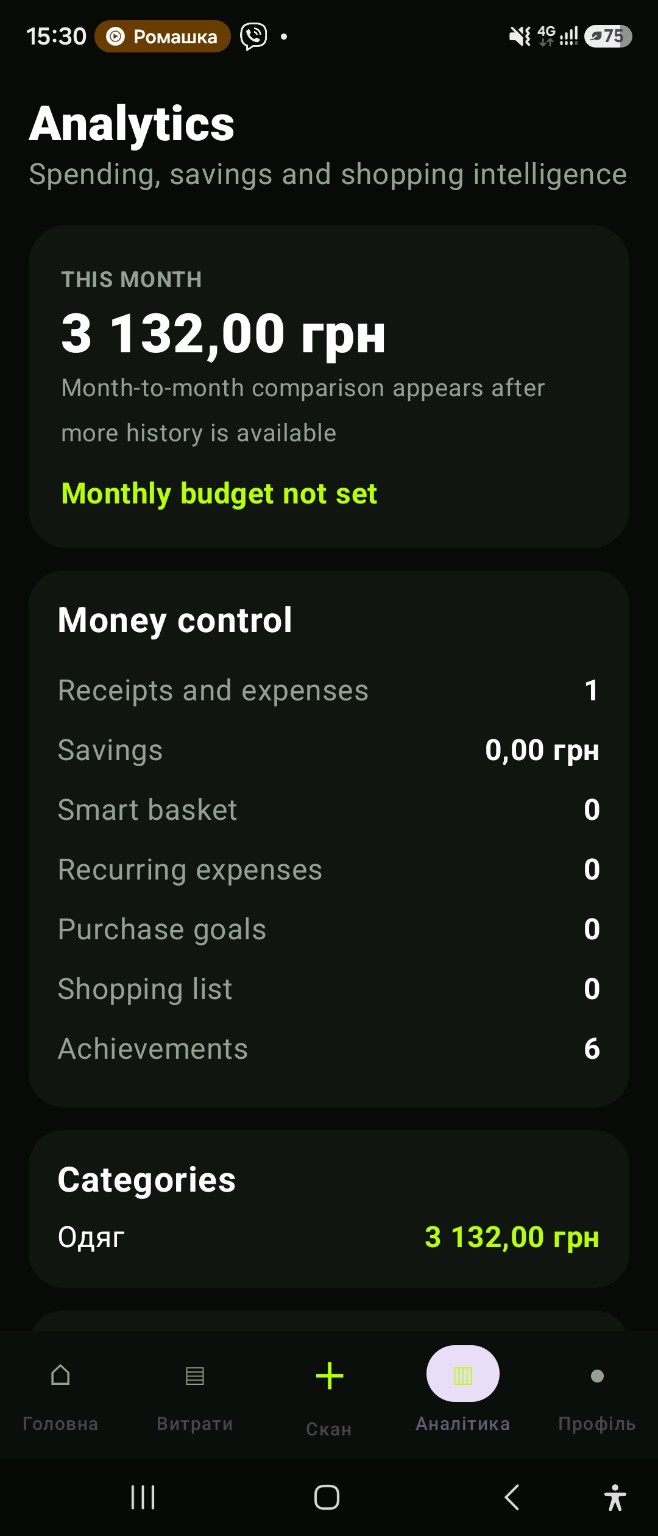
Set a monthly reference amount
Choose an amount that reflects your own plan. CHEK does not block purchases or represent a live bank balance; the budget is used as context for the expenses you record in the app.
Compare the plan with actual records
Add purchases manually or through receipt scanning. Use the monthly overview to compare totals and categories with the budget. More complete records make the comparison more useful.
Include recurring commitments
Subscriptions and repeat payments can take up part of the month before new purchases happen. Review them separately and update the amounts when a provider changes its price or billing terms.
Keep savings goals in the same picture
A savings goal gives a future purchase or reserve a clear place in your plan. Review goals alongside current spending and recurring payments instead of treating each planning tool as an isolated list.
App and feature availability can vary by country, version and data source. Price search does not guarantee coverage of every retailer. Check Google Play for installation availability after launch.
Monthly budget planner: start with one realistic reference
Set a monthly amount, then compare it with the expenses you actually record. Bring recurring payments and savings goals into the same review so the plan reflects more than day-to-day purchases.
Frequently asked question
Does CHEK automatically enforce my monthly budget?
No. The budget is a reference for comparing recorded spending. CHEK does not block purchases or represent your live bank balance.