
Ask a concrete question
Start with something you want to understand: which purchases repeat, what changed in your spending or what to check before buying a product. A specific question is easier to assess than a broad request to fix your finances. Keep the relevant records nearby.
Use explanations, not instructions
Financial decisions depend on your goals and circumstances. Treat AI output as assistance with organising information, not as professional financial advice. Verify important conclusions and avoid making consequential decisions based on an automated answer alone.
Compare answers with your own records
Review the response alongside spending categories, planned payments, shopping lists and savings goals. Check whether the answer actually reflects the data you provided. A useful suggestion should help you ask better questions, not replace your judgement.
Keep the limitations in mind
AI can misunderstand questions, miss context or return inaccurate information. Prices and product availability need confirmation with the seller. The usefulness of financial context also depends on the completeness of your recorded expenses.
Financial Brain and voice questions
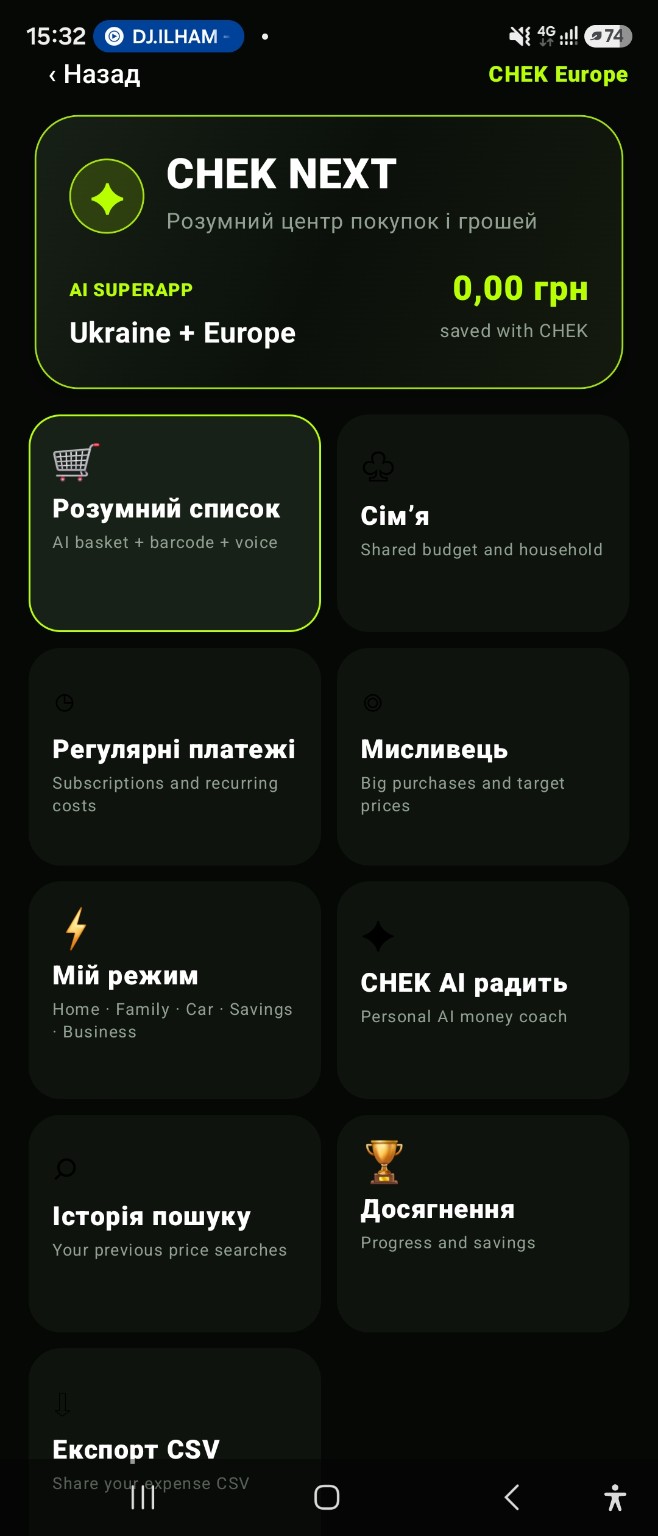
In CHEK 2.0, financial pulse, budget suggestions and forecasts complement AI conversations. Voice CHEK accepts spoken or typed questions and can read answers aloud when the device supports the selected language.
App and feature availability can vary by country, version and data source. Price search does not guarantee coverage of every retailer. Check device compatibility and installation availability on Google Play.
An AI financial assistant for everyday questions
CHEK AI works best alongside your own spending records. You can explore which categories had the largest impact on a month, which purchases repeat, or what to check before a larger purchase. For more context, compare AI answers with spending analytics, recurring payments and your shopping plan.
What to verify in an AI answer
Automated answers can be incomplete or wrong. Check amounts, dates, prices and consequential financial conclusions against primary sources. CHEK AI is intended to help organise information and questions; it does not replace professional financial advice or your own judgement.
Frequently asked question
How should I prepare a question about my budget?
Record expenses and check their amounts and categories first. Be specific about the period and what you want to understand. An incomplete spending history cannot support a complete picture of your finances.