
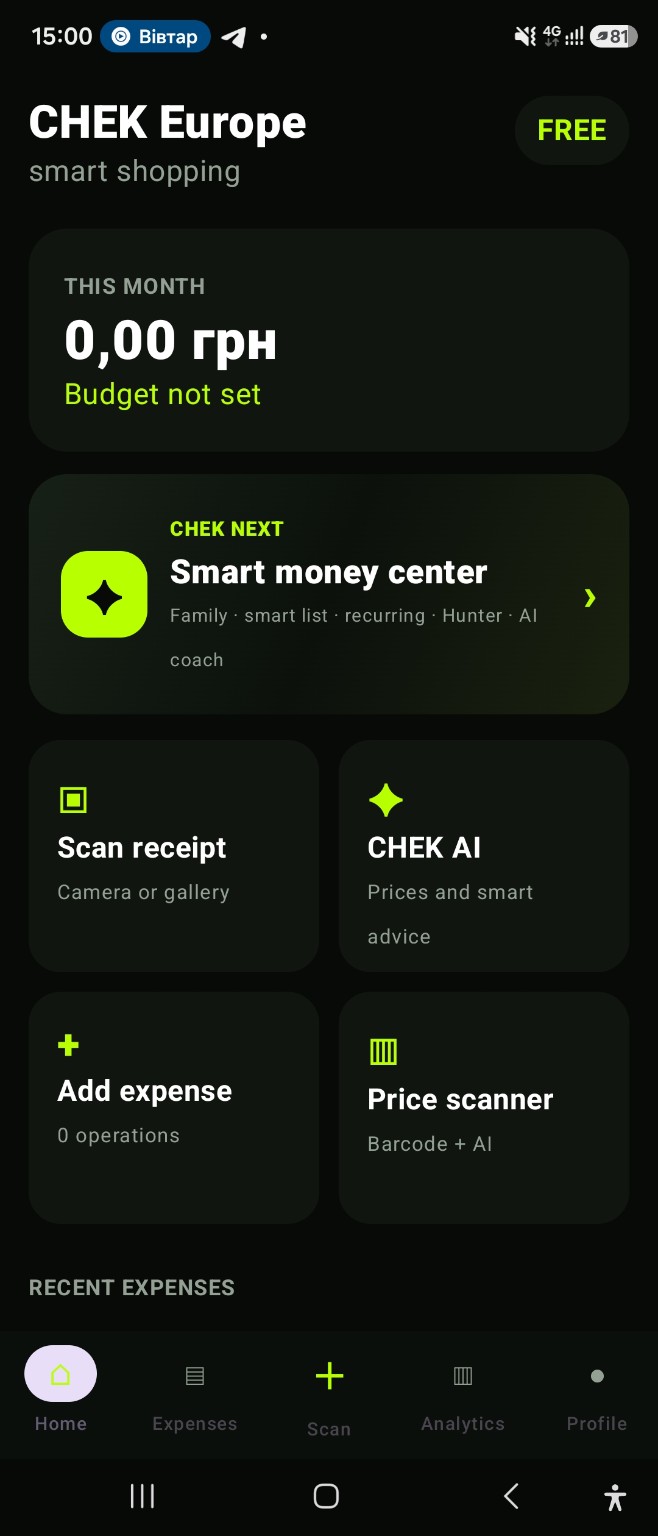
Start with real purchase records
Add expenses manually or scan receipts. Purchase history becomes the base for categories, analytics and a monthly overview. CHEK is not a bank account; it works with the information you record.
Plan the month in the same context
Set a budget, review recurring payments and return to savings goals. Keeping current purchases and future plans together makes the overall picture easier to revisit.
Use AI as an additional layer of explanation
CHEK AI can help structure questions about recorded spending and shopping. Check consequential amounts, prices and financial conclusions against primary sources before relying on them.
Keep the final decision with you
The app organises information but does not decide what you should buy or how you should manage money. Use analytics, lists and AI answers as context for your own decisions.
Choose the tool for your first task
Start with a manual entry for an expense without a receipt. For a purchase with several items, scan and check the receipt. If you already have records, review spending categories before making the next plan. For a one-off calculation until your next income, use the free website calculator. You do not need to install the app for that calculation; CHEK app access is paid.
App and feature availability can vary by country, version and data source. Price search does not guarantee coverage of every retailer. Check device compatibility and installation availability on Google Play.
What an everyday personal finance app should bring together
A practical workflow connects an expense tracker, receipt scanner, monthly budget, recurring payments and savings goals. CHEK adds AI tools for context while keeping consequential financial decisions with the user.
Frequently asked question
Is CHEK a bank or financial adviser?
No. CHEK organises the spending, budget and planning data you record. It is not a bank and does not replace professional financial advice.