
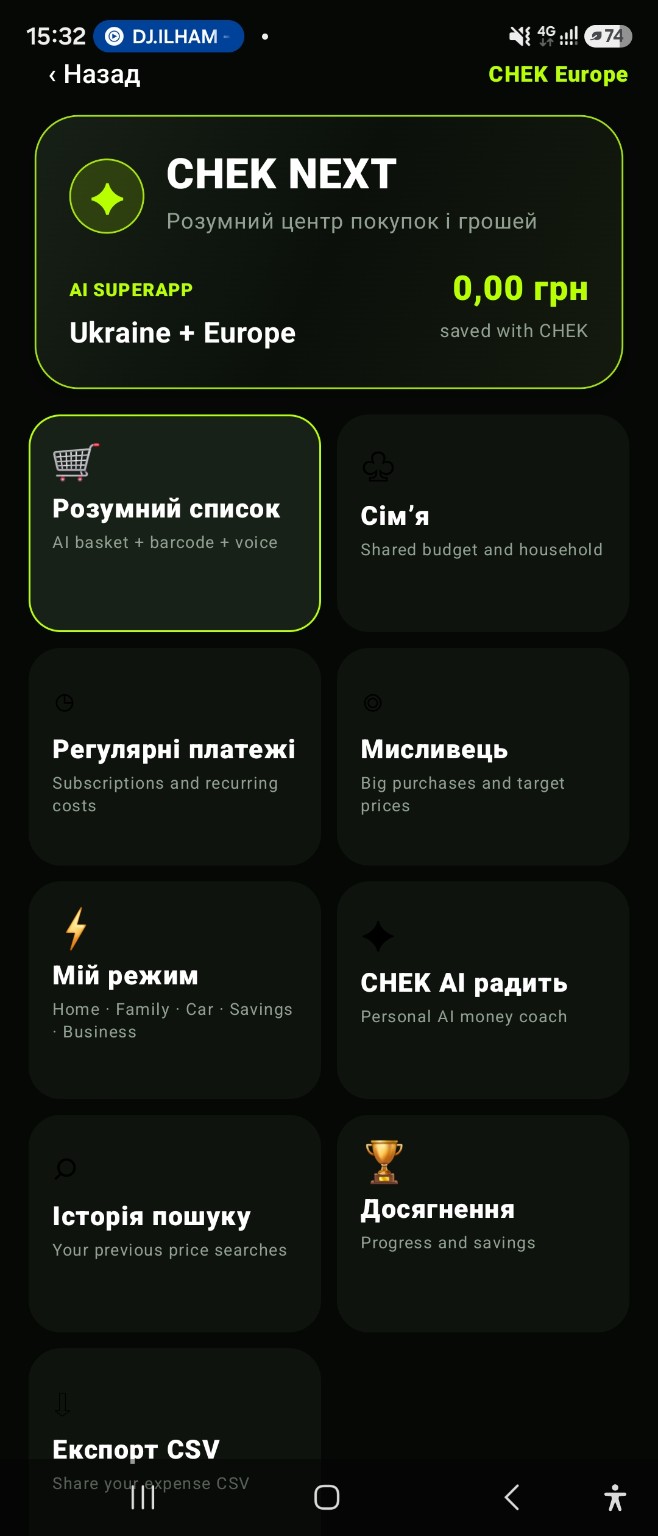
Bring recurring amounts together
Record the payments that repeat. Separating them from one-off purchases makes the predictable part of your budget easier to see. Review the amount and timing against the actual service terms rather than relying on a figure you remember.
Review commitments before new purchases
Before a larger expense, look at the payments you already expect. This provides planning context, not a live bank balance. A record in CHEK does not itself make a payment, change a subscription or cancel a service.
Connect payments with household plans
Some repeat expenses belong to a shared household budget. Keep that context alongside family plans and purchases. Avoid duplicates when the same commitment appears in more than one set of personal records.
Update records when terms change
Subscriptions can change price, stop renewing or move to a new billing date. Review the list periodically so it remains useful. To change an actual subscription, use the provider’s official account or subscription controls.
Recurring payments in CHEK 2.0 forecasts
Forecasts account for daily, weekly, monthly and yearly payments within the selected period. Check the next date and repeat interval. Autopilot helps you return to upcoming financial actions; notifications require Android permission.
Compare annual cost with the next payment due
An annual subscription and a monthly utility bill affect your available balance differently. Compare annualised subscription costs when reviewing plans, but subtract the actual unpaid bill when budgeting until your next income. Do not use a monthly average in place of a full annual renewal due this week.
App and feature availability can vary by country, version and data source. Price search does not guarantee coverage of every retailer. Check device compatibility and installation availability on Google Play.