
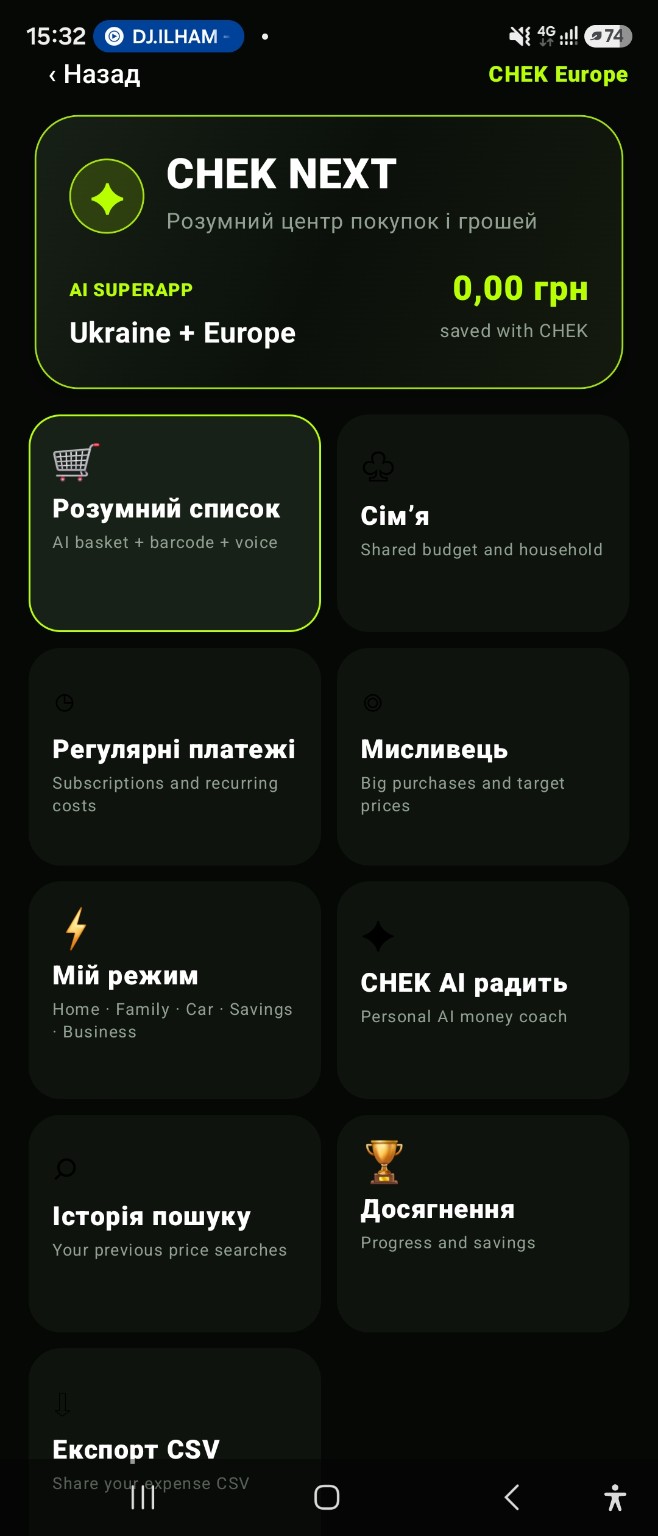
List what you intend to buy
Start with the purchases you have in mind. The smart list keeps them in a dedicated CHEK NEXT section. Before shopping, review the items against your plan instead of relying only on memory. A list describes your intention; it does not guarantee what your final basket will cost.
Search for a specific product
Use a product name or barcode to look for offers. Compare the exact model, size, contents and delivery terms. Confirm the final price and availability with the seller because an offer may change after the search. Search results are not a complete catalogue of every retailer.
Consider the whole basket
Shopping Intelligence lets you work with a basket and use AI analysis as a planning aid. Assess suggestions against your own priorities. A low individual item price is not always the lowest overall cost once delivery and the rest of the basket are included.
Keep a target price in view
Set a product and target price in Price Hunter. Return to search results and recorded prices before buying. Price history in CHEK 2.0 uses saved receipt items and reflects your own purchases, not live prices across every retailer. Verify important AI suggestions independently.
Market Intelligence: prices from your receipts
In CHEK 2.0, price history uses item lines from existing saved receipts, even when the shopping list is empty. Compare unit prices in the same currency and unit of measure. This is personal purchase history, not a live retailer catalogue; confirm a new offer with the seller.
App and feature availability can vary by country, version and data source. Price search does not guarantee coverage of every retailer. Check device compatibility and installation availability on Google Play.
A smart shopping workflow for Android
Smart shopping is more than finding a low price. Start with a list, check the exact product, compare the full purchase cost and decide whether the timing fits your plan. CHEK NEXT connects a shopping list, price comparison and Price Hunter so those steps stay in one workflow.
Connect the plan with the purchase
After checkout, save the receipt or add the expense manually. That closes the loop between what you intended to buy and what you actually spent. Review the result in your expense history and analytics rather than assuming the planned basket and final basket were identical.
Frequently asked question
How do I check whether a planned purchase stayed within budget?
Keep your shopping list, then save the receipt or record the actual expense after checkout. Compare the final amount with your plan and review any extra items, delivery costs or substitutions.